✨ AI in No-Codes just landed — plus Lottie, speed boosts & more
We’ve been listening closely to how teams use (and want to use) No-Codes — and this month’s updates are all about opening doors.
You can now use No-Codes with your own purchase infrastructure, generate images directly inside the Builder, add Lottie animations in a click, and enjoy faster, smoother screen loading across platforms.
Let’s dive in 👇
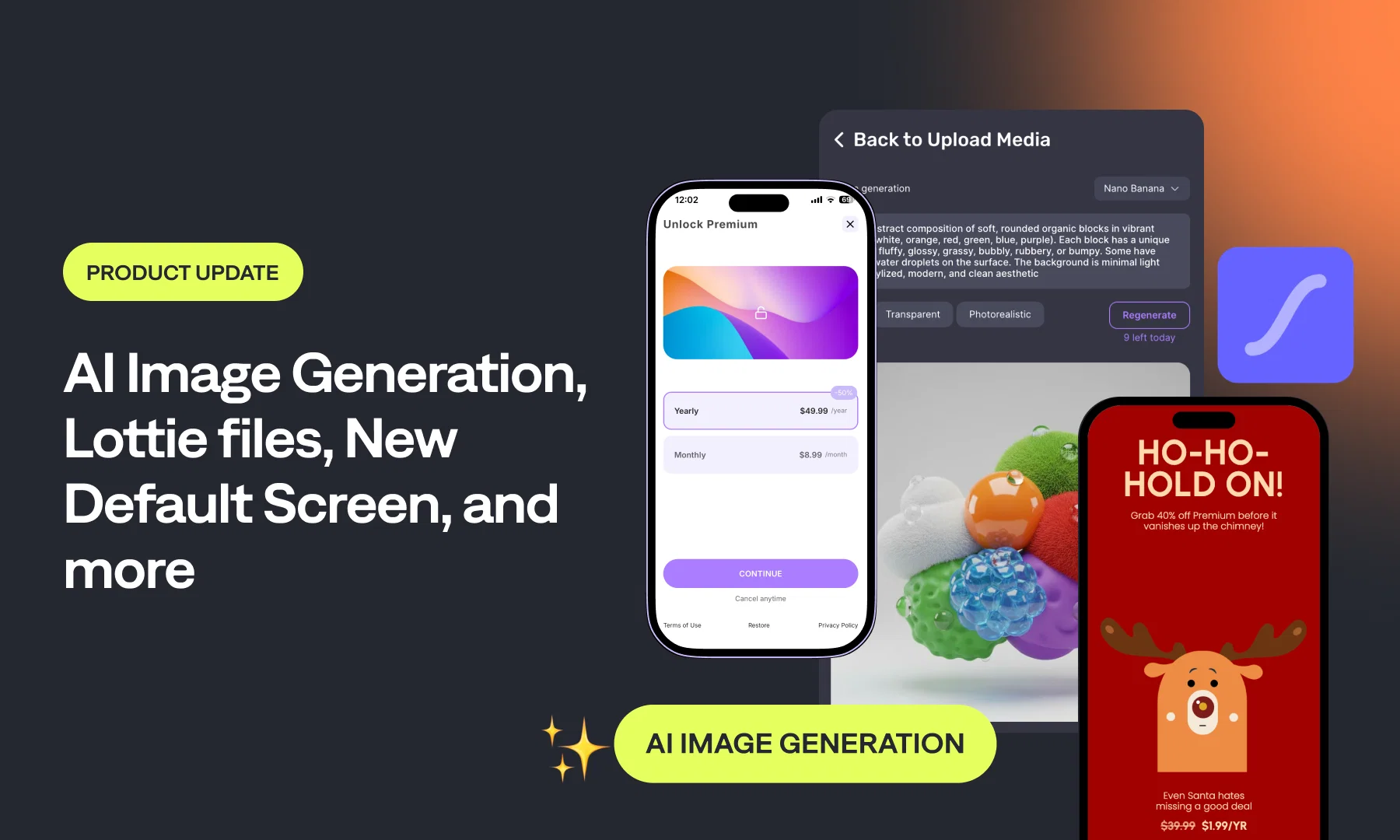
Use No-Codes With Your Own Purchase System
This is a big one — You can now use No-Code screens even if you’re not using Qonversion to handle purchases.
This update opens No-Codes to every app, including those that:
- can’t migrate subscription infrastructure
- use third-party SDKs
- rely on custom billing logic
- need paywalls or onboarding screens without touching the purchase backend
In other words, you can now use No-Code Builder without touching the purchase infrastructure.
Available in:
- iOS SDK 6.1.0+
- Android No-Codes 1.2.1+
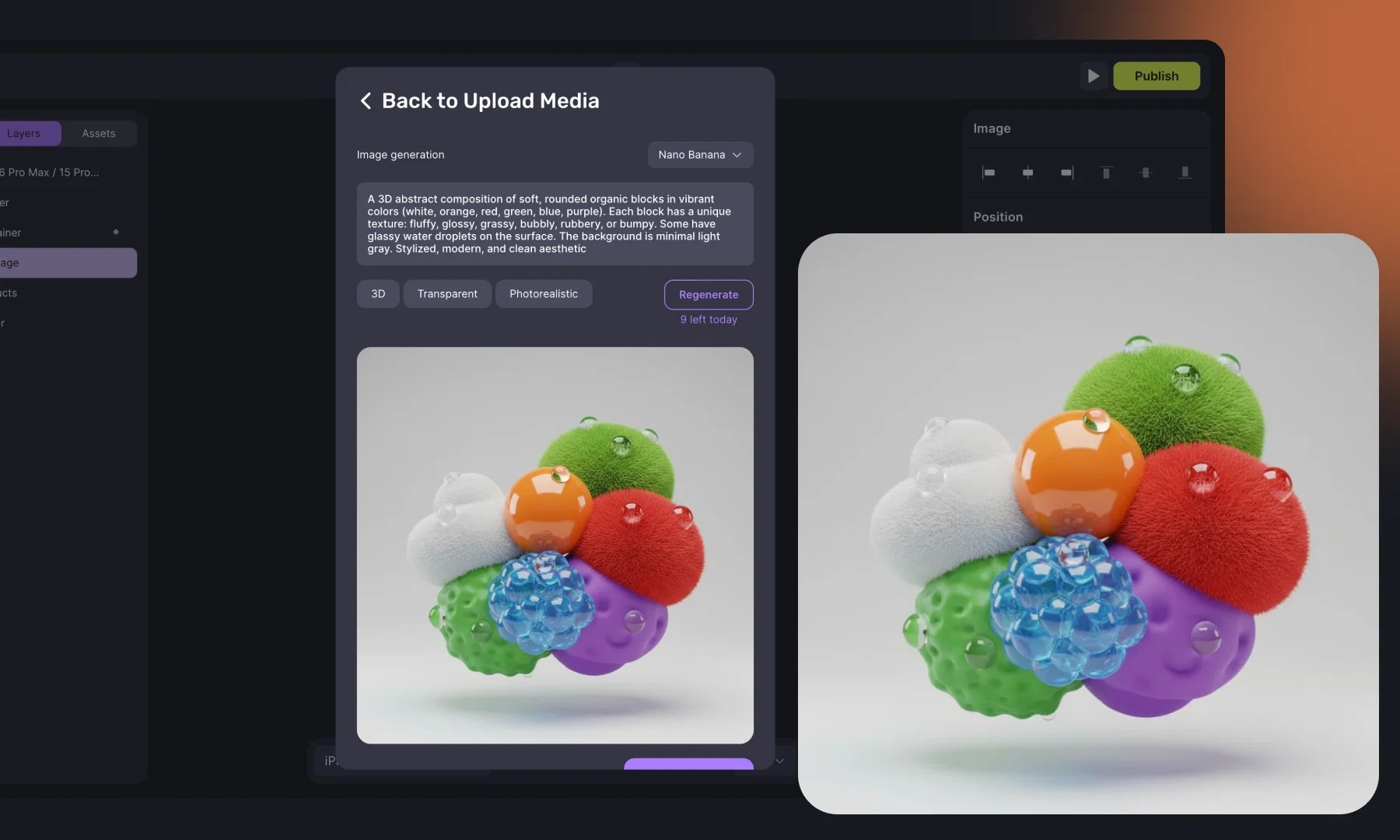
AI Image Generation in No-Code Builder ✨
AI Image Generation is now available directly in the Gallery, allowing you to create on-brand hero images, promotional banners, or onboarding visuals on the fly — no external tools, no export/import workflow.
Models available:
- Flux Schnell — ⚡ rapid drafts and iterations
- Flux Pro 1.1 — 🐢 high-end, polished visuals
- Nano Banana — ⚡ fast + excellent quality
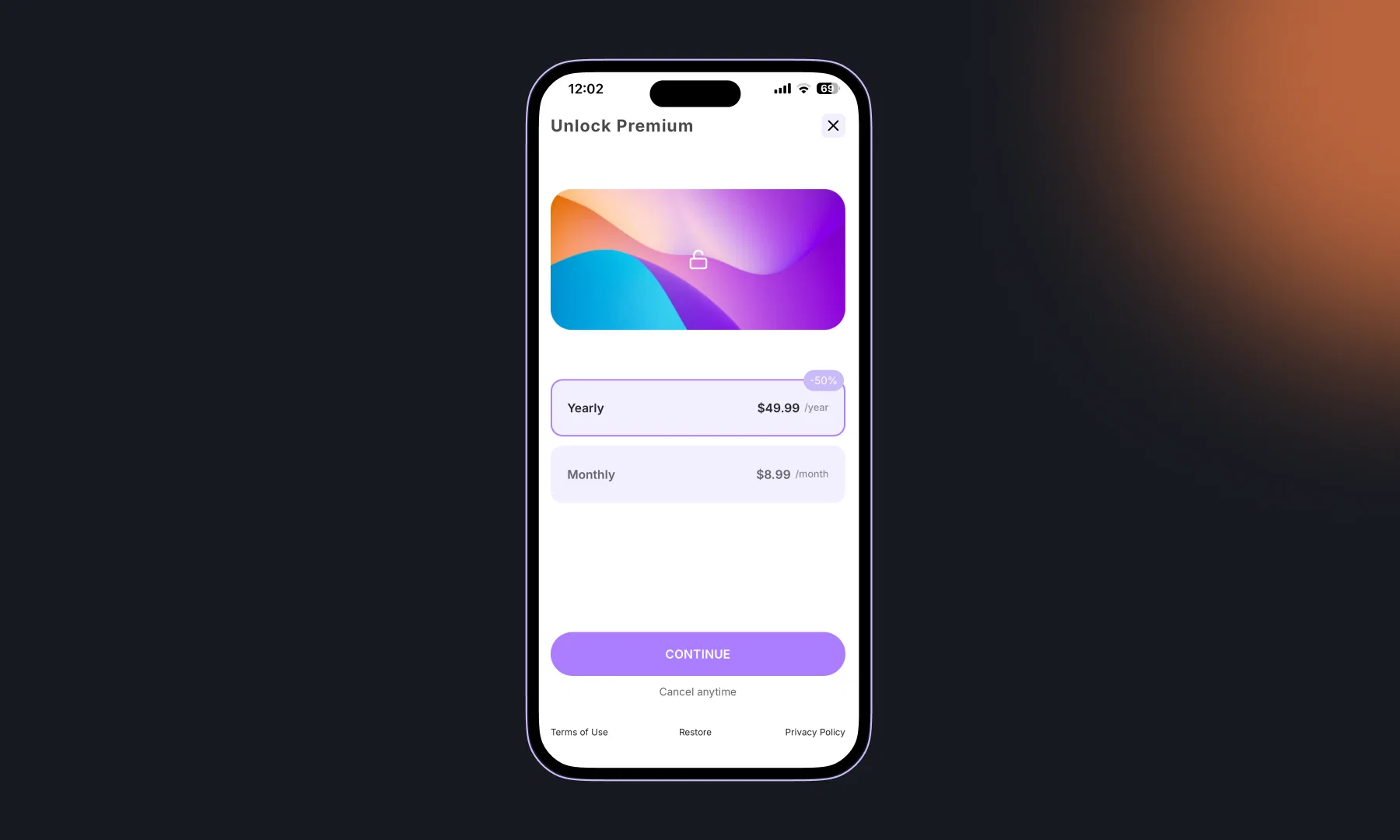
New Default Screen
Starting a new screen just got easier.
We refreshed the default template with a cleaner layout featuring a header, footer, and hero image — a friendlier starting point that helps you get to your final design faster.
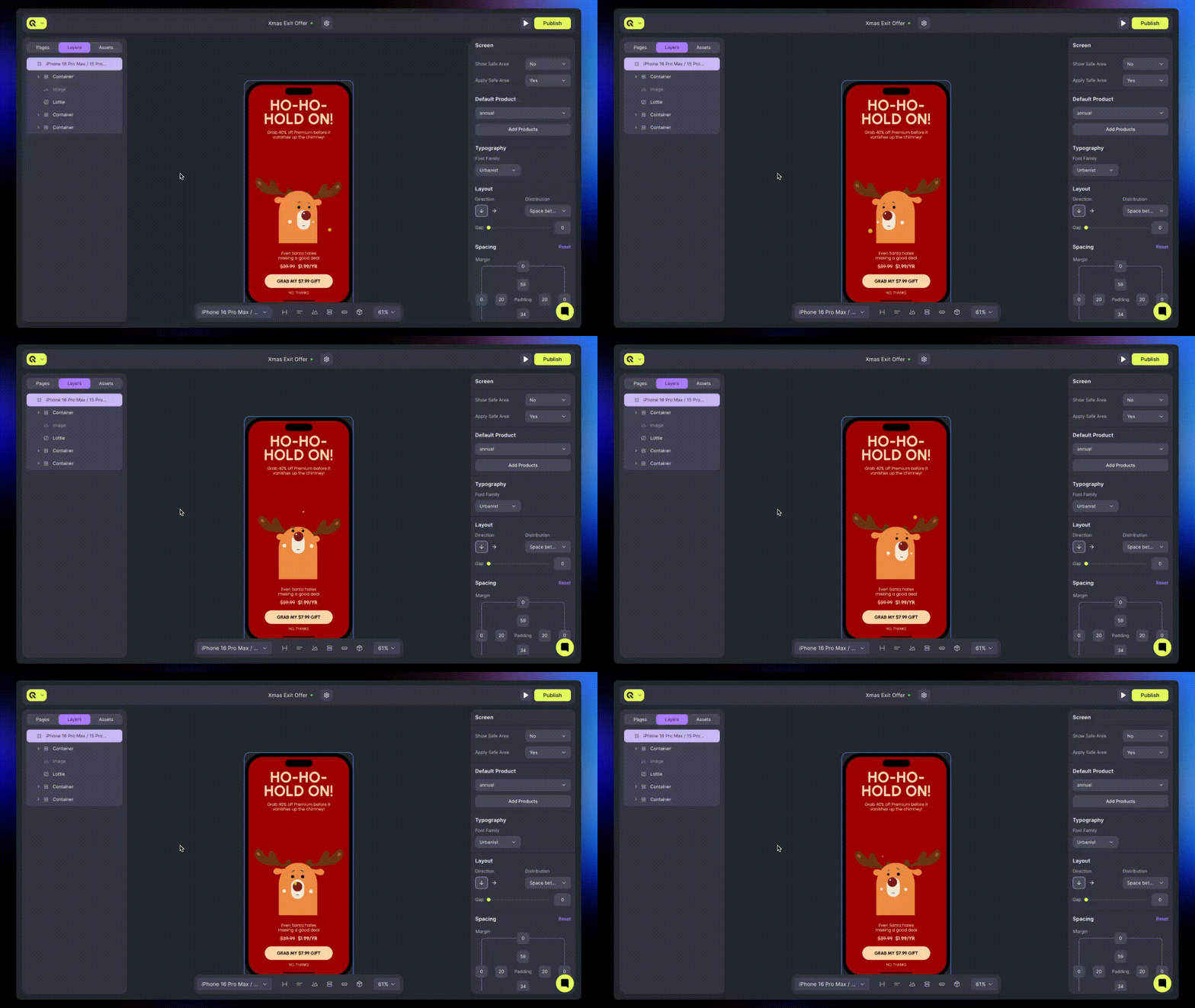
Lottie Animations Arrive in Builder
Your screens can now move.
You can upload Lottie files directly into the Builder, preview them, and add subtle animations to your paywalls or onboarding steps.
Faster No-Code Loading: Preloading + Image Caching
Screen rendering on iOS and Android is now smoother and faster.
Images begin loading instantly, and product fetch + asset fetch now happen in parallel.
You can also add screens to the preloading list directly from Builder settings.
When a screen is preloaded, the SDK fetches everything ahead of time — so when the user hits the paywall, it appears instantly, without network delays or placeholders.
Your screens now feel more native, more immediate, and more premium.